Author: protect10182025smrt

  • GPS Privacy & Digital Stalking: Protecting Your Family’s Location in 2026

    GPS Privacy & Digital Stalking: Protecting Your Family’s Location in 2026

    GPS Privacy & Digital Stalking: Protecting Your Family’s Location in 2026

    In the hyper-connected world of 2026, our digital footprints have become increasingly visible. While location-based services have revolutionized everything from navigation to social networking, they have also introduced a new, silent threat: Digital Stalking.

    As we hit the mid-point of August 2026, concerns about GPS privacy have reached a tipping point. With the proliferation of low-cost Bluetooth trackers and the ease of scraping location data from social media, protecting your family’s “digital breadcrumbs” is no longer optional—it is a critical requirement for personal safety.

    The 2026 Privacy Landscape: A New Era of Stalking

    In 2026, digital stalking has evolved beyond simple online harassment. Predators and bad actors now use sophisticated methods to track individuals without their knowledge. Recent safety reports have highlighted a surge in “metadata stalking,” where perpetrators use the hidden location data in shared photos to build a map of a victim’s daily routine.

    The Rise of Stealth Tracking

    Bluetooth trackers, originally designed to help us find lost keys, have been weaponized for stealth tracking. In 2026, while manufacturers have introduced “unwanted tracking” alerts, these systems are often reactive. Proactive safety means understanding how to detect these devices before they can provide a trail to your home or office.

    The Risk of Public Location Sharing

    The most common way families expose their location is through public social media posts. “Checking in” at a child’s school, a local park, or a family vacation spot provides a real-time signal to the public web. In 2026, “violent online criminal networks,” as flagged by the FBI, specifically look for these patterns to target vulnerable individuals.

    Privacy-First Connectivity: Reclaiming Your Data

    To combat these threats, families are shifting toward “Privacy-First” safety solutions. The goal is to maintain the benefits of connectivity—knowing that your loved ones are safe—without the exposure of public platforms.

    The Power of Private Family Circles

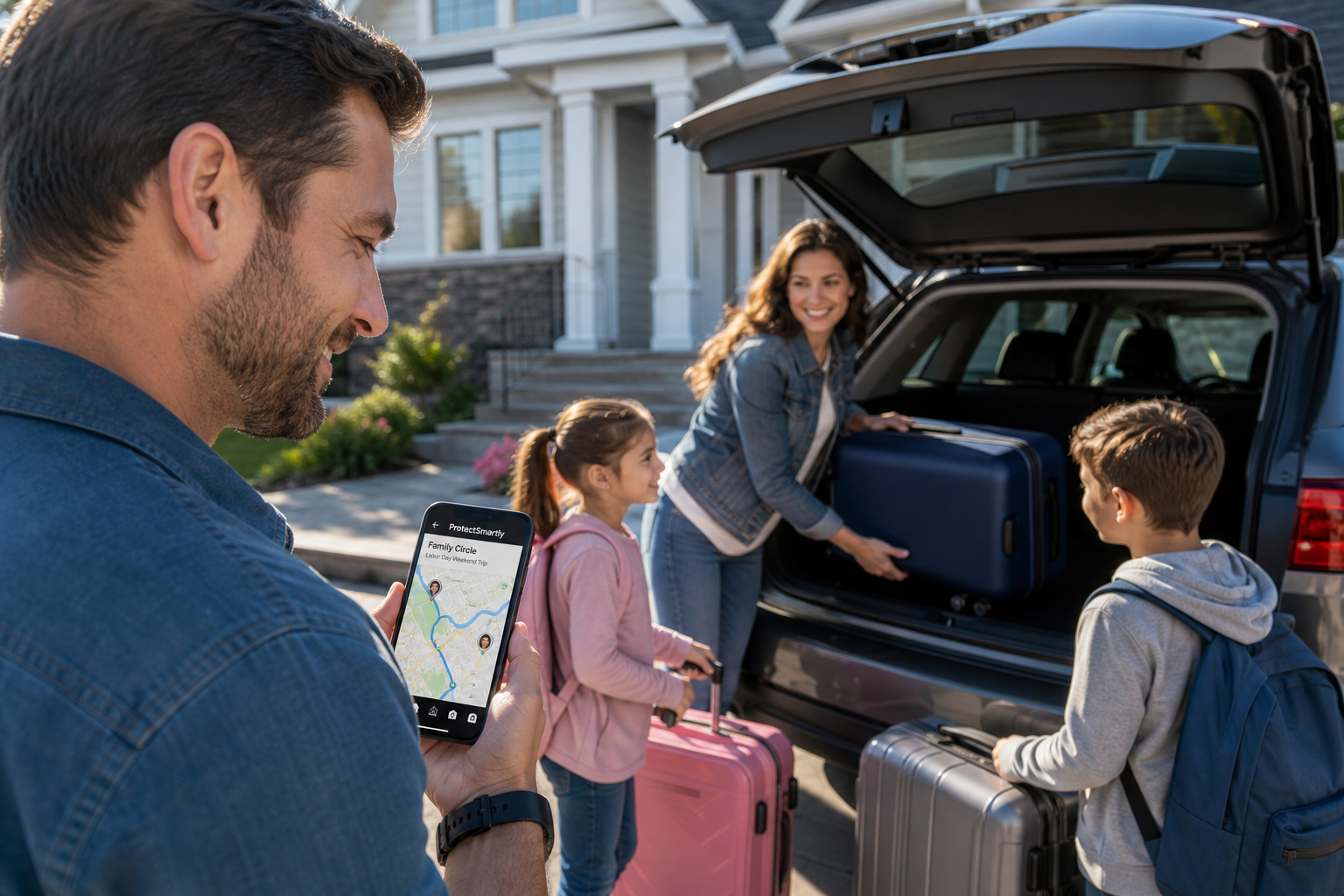
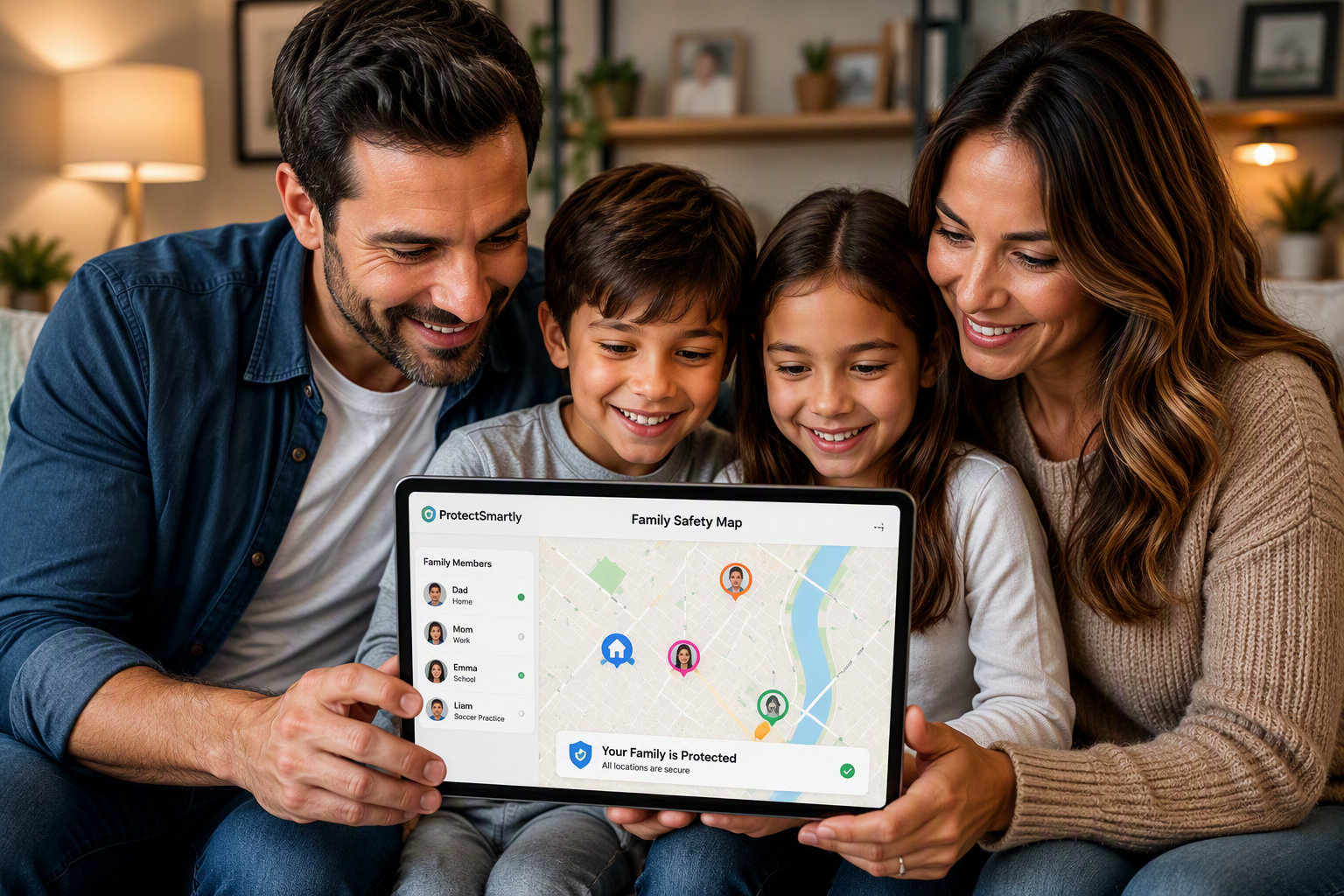
    A secure family safety app architecture provides a private, encrypted environment for location sharing. Unlike social media check-ins, location data in a “Family Circle” is visible only to the people you trust.

    • End-to-End Encryption: Ensure your safety platform uses bank-level encryption (coming soon to ProtectSmartly) to protect your location data from interception.
    • No Data Selling: In 2026, many “free” safety apps monetize your location data by selling it to advertisers or third parties. ProtectSmartly’s strict privacy policy ensures your data stays within your family.

    Protecting the Digital Footprint of Students

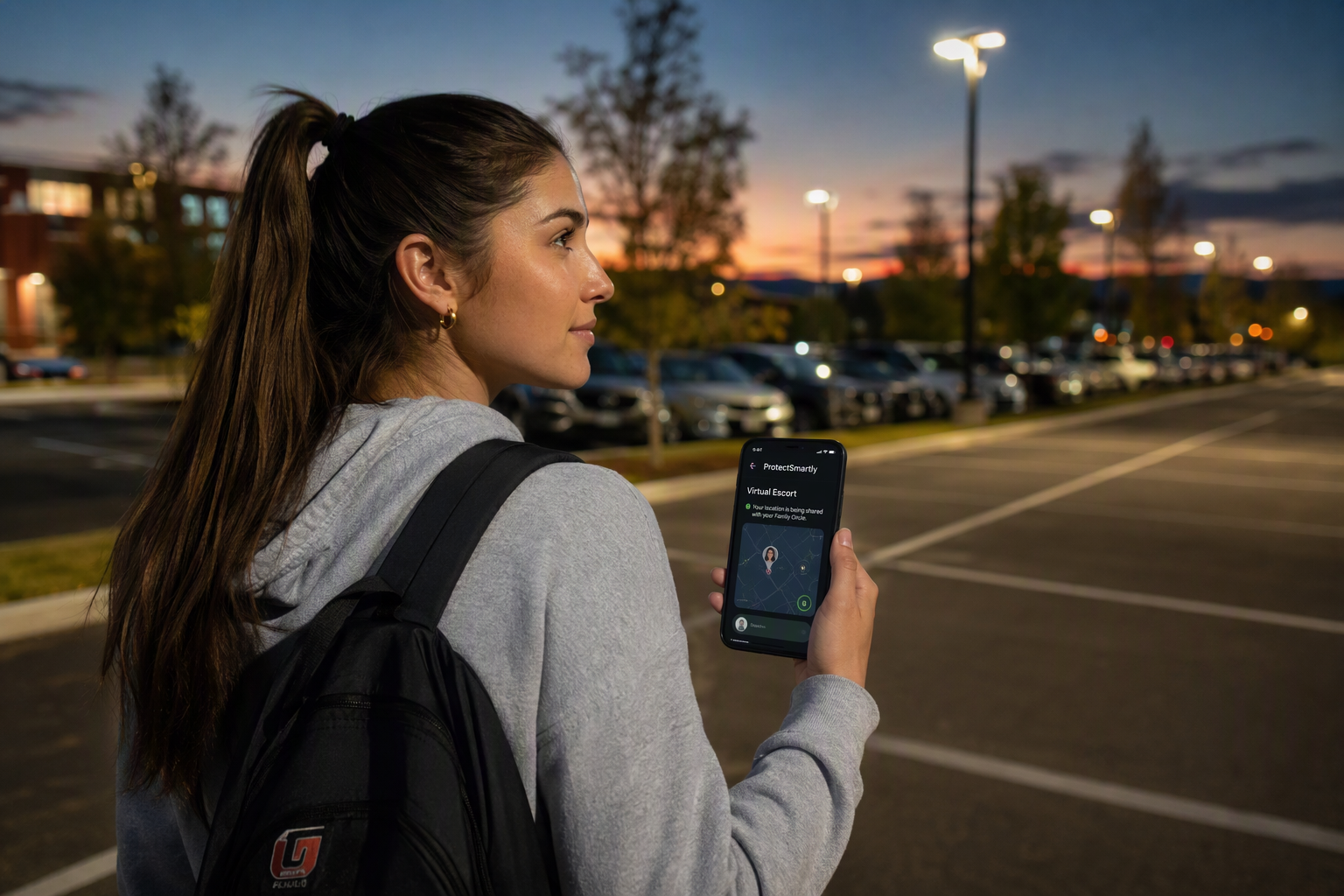
    Students are particularly vulnerable to digital stalking. Using a student safety app allows them to share their location only with parents or trusted friends during late-night walks or campus commutes, reducing the need for public check-ins that can be scraped by predators.

    Building a 2026 Privacy Defense Strategy

    Protecting your family’s GPS privacy requires a combination of technological tools and disciplined digital habits.

    1. The Digital Privacy Audit

    • Strip Metadata from Photos: Before uploading photos to social media, use a tool to remove EXIF metadata, which contains the exact GPS coordinates of where the photo was taken.
    • Audit App Permissions: Regularly review which apps have access to your location. In 2026, many apps request “Always On” location access even when it isn’t necessary.
    • Disable “Public” Location Sharing: Turn off all location-sharing features on public social platforms.

    2. Implementing a Secure Safety Net

    In an emergency, you need to be able to call for help without exposing your location to the world. A dedicated SOS alert app provides a one-tap emergency SOS that notifies your circle and authorities privately. This ensures your distress signal is heard by those who can help, not by those who could harm.

    2026 Privacy & Safety Checklist

    • Set All Social Media to Private: Ensure your family’s digital footprint is limited to trusted friends.
    • Disable Bluetooth Tracker Access: Regularly scan for unknown Bluetooth trackers using your smartphone’s built-in tools.
    • Use Private Circles for Sharing: Move all family location sharing to a secure family safety app.
    • Educate Your Children: Teach children that sharing their location is a “Safety First” decision, not a social one.
    • Test Your SOS Features: Ensure every family member knows how to trigger a private SOS alert in a crisis.

    FAQ: GPS Privacy & Digital Stalking

    Q: Can strangers see my location on a safety app?

    A: Not if you use a privacy-first platform like ProtectSmartly. Our Family Circles are invitation-only, ensuring only your chosen contacts can see your location.

    Q: Is it safe to post “Vacation Photos” while still away?

    A: We recommend waiting until you have returned home to post vacation photos. Posting while away signals that your home is empty, creating a physical security risk.

    Q: How do I know if an app is selling my location data?

    A: Review the app’s privacy policy carefully. Look for clear statements regarding “Data Monetization” or “Third-Party Sharing.” ProtectSmartly is committed to a “No Data Selling” policy.

    Conclusion: Privacy is the Ultimate Protection

    In 2026, the ability to disappear from the public web is a powerful form of security. By adopting a privacy-first mindset and using tools that prioritize your data security, you can ensure that your family’s location remains their secret.

    Connectivity should never come at the cost of privacy. Start your family’s privacy journey today by moving your sharing to a secure, private circle.


    Learn more about how ProtectSmartly protects your family’s privacy.

    Explore our SOS Alert App privacy features.

    Download ProtectSmartly and take a proactive approach to your family’s digital safety.

  • GPS Privacy & Digital Stalking: Protecting Your Family’s Location in 2026

    GPS Privacy & Digital Stalking: Protecting Your Family’s Location in 2026

    GPS Privacy & Digital Stalking: Protecting Your Family’s Location in 2026

    In the hyper-connected world of 2026, our digital footprints have become increasingly visible. While location-based services have revolutionized everything from navigation to social networking, they have also introduced a new, silent threat: Digital Stalking.

    As we hit the mid-point of August 2026, concerns about GPS privacy have reached a tipping point. With the proliferation of low-cost Bluetooth trackers and the ease of scraping location data from social media, protecting your family’s “digital breadcrumbs” is no longer optional—it is a critical requirement for personal safety.

    The 2026 Privacy Landscape: A New Era of Stalking

    In 2026, digital stalking has evolved beyond simple online harassment. Predators and bad actors now use sophisticated methods to track individuals without their knowledge. Recent safety reports have highlighted a surge in “metadata stalking,” where perpetrators use the hidden location data in shared photos to build a map of a victim’s daily routine.

    The Rise of Stealth Tracking

    Bluetooth trackers, originally designed to help us find lost keys, have been weaponized for stealth tracking. In 2026, while manufacturers have introduced “unwanted tracking” alerts, these systems are often reactive. Proactive safety means understanding how to detect these devices before they can provide a trail to your home or office.

    The Risk of Public Location Sharing

    The most common way families expose their location is through public social media posts. “Checking in” at a child’s school, a local park, or a family vacation spot provides a real-time signal to the public web. In 2026, “violent online criminal networks,” as flagged by the FBI, specifically look for these patterns to target vulnerable individuals.

    Privacy-First Connectivity: Reclaiming Your Data

    To combat these threats, families are shifting toward “Privacy-First” safety solutions. The goal is to maintain the benefits of connectivity—knowing that your loved ones are safe—without the exposure of public platforms.

    The Power of Private Family Circles

    A secure family safety app architecture provides a private, encrypted environment for location sharing. Unlike social media check-ins, location data in a “Family Circle” is visible only to the people you trust.

    • End-to-End Encryption: Ensure your safety platform uses bank-level encryption (coming soon to ProtectSmartly) to protect your location data from interception.
    • No Data Selling: In 2026, many “free” safety apps monetize your location data by selling it to advertisers or third parties. ProtectSmartly’s strict privacy policy ensures your data stays within your family.

    Protecting the Digital Footprint of Students

    Students are particularly vulnerable to digital stalking. Using a student safety app allows them to share their location only with parents or trusted friends during late-night walks or campus commutes, reducing the need for public check-ins that can be scraped by predators.

    Building a 2026 Privacy Defense Strategy

    Protecting your family’s GPS privacy requires a combination of technological tools and disciplined digital habits.

    1. The Digital Privacy Audit

    • Strip Metadata from Photos: Before uploading photos to social media, use a tool to remove EXIF metadata, which contains the exact GPS coordinates of where the photo was taken.
    • Audit App Permissions: Regularly review which apps have access to your location. In 2026, many apps request “Always On” location access even when it isn’t necessary.
    • Disable “Public” Location Sharing: Turn off all location-sharing features on public social platforms.

    2. Implementing a Secure Safety Net

    In an emergency, you need to be able to call for help without exposing your location to the world. A dedicated SOS alert app provides a one-tap emergency SOS that notifies your circle and authorities privately. This ensures your distress signal is heard by those who can help, not by those who could harm.

    2026 Privacy & Safety Checklist

    • Set All Social Media to Private: Ensure your family’s digital footprint is limited to trusted friends.
    • Disable Bluetooth Tracker Access: Regularly scan for unknown Bluetooth trackers using your smartphone’s built-in tools.
    • Use Private Circles for Sharing: Move all family location sharing to a secure family safety app.
    • Educate Your Children: Teach children that sharing their location is a “Safety First” decision, not a social one.
    • Test Your SOS Features: Ensure every family member knows how to trigger a private SOS alert in a crisis.

    FAQ: GPS Privacy & Digital Stalking

    Q: Can strangers see my location on a safety app?

    A: Not if you use a privacy-first platform like ProtectSmartly. Our Family Circles are invitation-only, ensuring only your chosen contacts can see your location.

    Q: Is it safe to post “Vacation Photos” while still away?

    A: We recommend waiting until you have returned home to post vacation photos. Posting while away signals that your home is empty, creating a physical security risk.

    Q: How do I know if an app is selling my location data?

    A: Review the app’s privacy policy carefully. Look for clear statements regarding “Data Monetization” or “Third-Party Sharing.” ProtectSmartly is committed to a “No Data Selling” policy.

    Conclusion: Privacy is the Ultimate Protection

    In 2026, the ability to disappear from the public web is a powerful form of security. By adopting a privacy-first mindset and using tools that prioritize your data security, you can ensure that your family’s location remains their secret.

    Connectivity should never come at the cost of privacy. Start your family’s privacy journey today by moving your sharing to a secure, private circle.


    Learn more about how ProtectSmartly protects your family’s privacy.

    Explore our SOS Alert App privacy features.

    Download ProtectSmartly and take a proactive approach to your family’s digital safety.

  • Rideshare Safety in 2026: A Proactive Guide for Passengers and Solo Travelers

    Rideshare Safety in 2026: A Proactive Guide for Passengers and Solo Travelers

    Rideshare Safety in 2026: A Proactive Guide for Passengers and Solo Travelers

    As we navigate the bustling urban landscapes of August 2026, ridesharing has become an indispensable part of our daily lives. Whether it’s a late-night commute from the office, a student heading back to campus, or a traveler navigating a new city, the convenience of a car-on-demand is undeniable. However, with the evolution of the gig economy comes a new set of challenges for personal safety.

    In 2026, safety is no longer just about checking the license plate; it’s about having a proactive, tech-enabled strategy that keeps you connected to your trusted support network throughout your journey.

    The 2026 Rideshare Landscape: Technology Meets Vigilance

    While major platforms like Uber and Lyft have introduced advanced security updates, including biometric driver verification and audio recording features, the responsibility for individual safety still rests with the passenger. Recent industry reports have shown that while incidents are rare, the “Golden Minute”— the time between entering the vehicle and the trip starting—remains the most vulnerable period for solo travelers.

    The “Verification First” Protocol

    In 2026, criminals have become more sophisticated in impersonating rideshare drivers. Proactive safety starts before you even approach the vehicle:

    • Match the Details: Always verify that the license plate, vehicle make and model, and the driver’s face match the information in your app.
    • The “What’s My Name?” Rule: Never ask the driver, “Are you for [Your Name]?” Instead, ask, “Who are you picking up?” A legitimate driver will know your name from their app.
    • Check the App Status: Ensure the driver has actually started the trip in their app before the vehicle moves.

    Leveraging Your Safety Net: Beyond the Rideshare App

    While rideshare apps have built-in “Share Trip” features, these are often limited to the platform itself. For true peace of mind, solo travelers in 2026 are turning to independent family safety app solutions that provide an extra layer of protection.

    Sharing Your Journey with a Family Circle

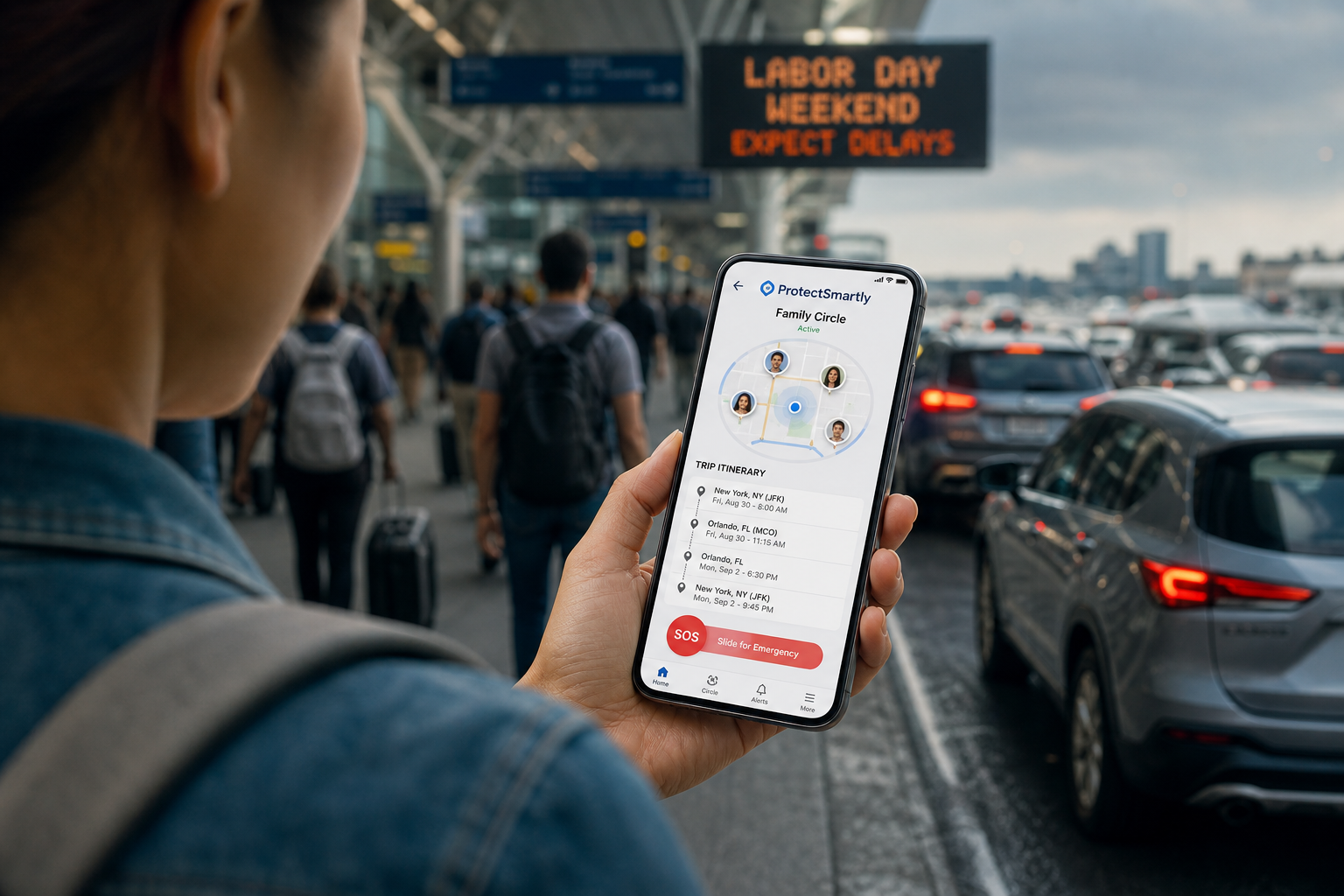
    Using a platform like ProtectSmartly allows you to share your real-time location with a dedicated “Family Circle” of trusted contacts. Unlike platform-specific sharing, your Family Circle is your permanent safety network.

    • Continuous Monitoring: Your circle can see your progress from the moment you leave your location until you are safely inside your destination.
    • Automated Arrival Pings: Set up geofences so your family is automatically notified when you arrive at your dorm, home, or hotel.

    The Power of the One-Tap SOS

    In a high-stress situation, navigating a complex menu to find an emergency button is not practical. A dedicated SOS alert app like ProtectSmartly provides a discrete, one-tap emergency SOS feature. A single press can instantly notify your entire circle, sharing your live location and alerting them that you need assistance.

    Special Considerations for 2026 Solo Travelers

    1. The Student Commute

    For college students navigating campus at night, ridesharing is often safer than walking alone. However, students should always utilize a student safety app to keep roommates or parents informed of their late-night travels.

    2. Late-Night Professional Safety

    Delivery drivers and office workers leaving late shifts face unique risks. Always ensure your phone is charged and your safety app is active before you step out of your building.

    3. Privacy in a Connected World

    In 2026, privacy is a major concern. ProtectSmartly’s “Privacy First” design ensures that your location data is encrypted and visible only to the people you choose. We never sell your data, ensuring your travel patterns remain your business and no one else’s.

    2026 Rideshare Safety Checklist

    • Wait Indoors: Stay in a safe, well-lit area until the vehicle arrives.
    • Verify Everything: Match the car, plate, and driver face.
    • Share Your Trip: Activate your Family Circle location sharing.
    • Sit in the Back: Sitting behind the passenger seat gives you two exit options and puts distance between you and the driver.
    • Trust Your Gut: If the vehicle is in poor condition or the driver makes you uncomfortable, do not enter. Cancel the ride and report it.
    • Keep Your SOS Ready: Ensure your SOS alert app is easily accessible on your home screen or via a shortcut.

    FAQ: Rideshare & Personal Safety

    Q: Is it safe to ride solo at night?

    A: Yes, provided you take proactive measures. Use a safety app, share your trip with a trusted circle, and remain vigilant.

    Q: What if my phone dies during a trip?

    A: This is a major safety risk. Always carry a portable power bank and ensure your circle knows your intended destination and estimated arrival time before your phone loses power.

    Q: Can I use ProtectSmartly and a rideshare app at the same time?

    A: Absolutely. ProtectSmartly runs in the background, providing an independent safety net that remains active even if the rideshare app crashes or is closed.

    Conclusion: Empowerment Through Connectivity

    Ridesharing in 2026 offers unparalleled freedom, but it requires a modern approach to security. By combining the safety features of the rideshare platforms with the dedicated, private connectivity of a family safety app, you can navigate your world with confidence.

    Safety isn’t just a feature; it’s a lifestyle. Start your proactive safety journey today by connecting with your Family Circle.


    Learn more about how ProtectSmartly protects solo travelers.

    Explore the Student Safety App features for campus commutes.

    Download ProtectSmartly and take a proactive approach to your personal safety.

  • Rideshare Safety in 2026: A Proactive Guide for Passengers and Solo Travelers

    Rideshare Safety in 2026: A Proactive Guide for Passengers and Solo Travelers

    Rideshare Safety in 2026: A Proactive Guide for Passengers and Solo Travelers

    As we navigate the bustling urban landscapes of August 2026, ridesharing has become an indispensable part of our daily lives. Whether it’s a late-night commute from the office, a student heading back to campus, or a traveler navigating a new city, the convenience of a car-on-demand is undeniable. However, with the evolution of the gig economy comes a new set of challenges for personal safety.

    In 2026, safety is no longer just about checking the license plate; it’s about having a proactive, tech-enabled strategy that keeps you connected to your trusted support network throughout your journey.

    The 2026 Rideshare Landscape: Technology Meets Vigilance

    While major platforms like Uber and Lyft have introduced advanced security updates, including biometric driver verification and audio recording features, the responsibility for individual safety still rests with the passenger. Recent industry reports have shown that while incidents are rare, the “Golden Minute”— the time between entering the vehicle and the trip starting—remains the most vulnerable period for solo travelers.

    The “Verification First” Protocol

    In 2026, criminals have become more sophisticated in impersonating rideshare drivers. Proactive safety starts before you even approach the vehicle:

    • Match the Details: Always verify that the license plate, vehicle make and model, and the driver’s face match the information in your app.
    • The “What’s My Name?” Rule: Never ask the driver, “Are you for [Your Name]?” Instead, ask, “Who are you picking up?” A legitimate driver will know your name from their app.
    • Check the App Status: Ensure the driver has actually started the trip in their app before the vehicle moves.

    Leveraging Your Safety Net: Beyond the Rideshare App

    While rideshare apps have built-in “Share Trip” features, these are often limited to the platform itself. For true peace of mind, solo travelers in 2026 are turning to independent family safety app solutions that provide an extra layer of protection.

    Sharing Your Journey with a Family Circle

    Using a platform like ProtectSmartly allows you to share your real-time location with a dedicated “Family Circle” of trusted contacts. Unlike platform-specific sharing, your Family Circle is your permanent safety network.

    • Continuous Monitoring: Your circle can see your progress from the moment you leave your location until you are safely inside your destination.
    • Automated Arrival Pings: Set up geofences so your family is automatically notified when you arrive at your dorm, home, or hotel.

    The Power of the One-Tap SOS

    In a high-stress situation, navigating a complex menu to find an emergency button is not practical. A dedicated SOS alert app like ProtectSmartly provides a discrete, one-tap emergency SOS feature. A single press can instantly notify your entire circle, sharing your live location and alerting them that you need assistance.

    Special Considerations for 2026 Solo Travelers

    1. The Student Commute

    For college students navigating campus at night, ridesharing is often safer than walking alone. However, students should always utilize a student safety app to keep roommates or parents informed of their late-night travels.

    2. Late-Night Professional Safety

    Delivery drivers and office workers leaving late shifts face unique risks. Always ensure your phone is charged and your safety app is active before you step out of your building.

    3. Privacy in a Connected World

    In 2026, privacy is a major concern. ProtectSmartly’s “Privacy First” design ensures that your location data is encrypted and visible only to the people you choose. We never sell your data, ensuring your travel patterns remain your business and no one else’s.

    2026 Rideshare Safety Checklist

    • [ ] Wait Indoors: Stay in a safe, well-lit area until the vehicle arrives.
    • [ ] Verify Everything: Match the car, plate, and driver face.
    • [ ] Share Your Trip: Activate your Family Circle location sharing.
    • [ ] Sit in the Back: Sitting behind the passenger seat gives you two exit options and puts distance between you and the driver.
    • [ ] Trust Your Gut: If the vehicle is in poor condition or the driver makes you uncomfortable, do not enter. Cancel the ride and report it.
    • ] Keep Your SOS Ready: Ensure your [SOS alert app is easily accessible on your home screen or via a shortcut.

    FAQ: Rideshare & Personal Safety

    Q: Is it safe to ride solo at night?

    A: Yes, provided you take proactive measures. Use a safety app, share your trip with a trusted circle, and remain vigilant.

    Q: What if my phone dies during a trip?

    A: This is a major safety risk. Always carry a portable power bank and ensure your circle knows your intended destination and estimated arrival time before your phone loses power.

    Q: Can I use ProtectSmartly and a rideshare app at the same time?

    A: Absolutely. ProtectSmartly runs in the background, providing an independent safety net that remains active even if the rideshare app crashes or is closed.

    Conclusion: Empowerment Through Connectivity

    Ridesharing in 2026 offers unparalleled freedom, but it requires a modern approach to security. By combining the safety features of the rideshare platforms with the dedicated, private connectivity of a family safety app, you can navigate your world with confidence.

    Safety isn’t just a feature; it’s a lifestyle. Start your proactive safety journey today by connecting with your Family Circle.


    Learn more about how ProtectSmartly protects solo travelers.

    Explore the Student Safety App features for campus commutes.

    Download ProtectSmartly and take a proactive approach to your personal safety.

  • Lone Worker Safety in 2026: The Essential Guide for Healthcare and Delivery Professionals

    Lone Worker Safety in 2026: The Essential Guide for Healthcare and Delivery Professionals

    Lone Worker Safety in 2026: The Essential Guide for Healthcare and Delivery Professionals

    In the labor market of 2026, the “lone worker” has become the rule rather than the exception. From district nurses and community outreach workers to delivery personnel and rideshare drivers, millions of professionals now perform their critical duties independently, often in unfamiliar or high-risk environments.

    As we hit the mid-point of August 2026, industry reports from the National Safety Council (NSC) have highlighted a major shift in workplace safety. We have officially entered the era of “Proactive Tech,” where the goal has moved from simply reporting an incident to identifying high-risk tasks and intervening in real-time. For lone workers, this technology is not just a convenience—it is a lifeline.

    The 2026 Lone Worker Landscape: Rising Risks

    Despite technological advancements, the risks for mobile workers have intensified. In 2026, increased scrutiny around mobile worker violence and the end of manual check-in monitoring have created a need for more robust, automated safety systems.

    Healthcare & Outreach Workers

    District nurses and charity volunteers often enter private residences and community spaces where they are vulnerable to aggressive behavior or medical emergencies. In 2026, OSHA compliance for home care administrators now specifically requires the provision of GPS-enabled safety devices to ensure workers can get help quickly.

    Delivery & Logistics Personnel

    The delivery boom continues in 2026, but so do the risks of theft, vehicle accidents, and environmental hazards. Delivery drivers often work late hours in areas where they may be targeted. The old method of “calling dispatch” is no longer sufficient; workers need an instant, non-verbal way to signal distress.

    The Shift to Proactive Safety Technology

    The biggest shift in 2026 is the move from “reactive” standalone devices to “complete monitoring” ecosystems.

    Automated “Man-Down” & Fall Detection

    One of the most critical safety features in 2026 is automatic incident detection. For a lone worker who may be incapacitated by a fall or medical event, the ability to trigger an alert without manual intervention is life-saving. Modern platforms now use built-in mobile sensors to detect sudden impacts or inactivity and automatically trigger an emergency SOS to a designated response team.

    Real-Time GPS & Geofencing

    Safety in 2026 is about knowing exactly where high-risk tasks are occurring. Using a secure family safety app architecture, organizations can set up “Safe Zones” or geofenced job sites. If a worker leaves a designated area or remains stationary for too long in a high-risk zone, an alert is automatically generated, triggering a wellness check.

    Building a Professional Safety Net with ProtectSmartly

    ProtectSmartly was designed to handle the realities of modern independence. Whether you are a student walking home or a professional visiting a patient, the platform provides the tools needed for comprehensive personal safety.

    1. The One-Tap SOS

    In a high-stress confrontation or medical event, there is no time to dial a number. ProtectSmartly’s one-tap SOS feature allows a lone worker to instantly notify their “Safety Circle”—which can include colleagues, supervisors, or trusted family members—with their precise location.

    2. Privacy-First Professional Tracking

    Safety should never come at the cost of personal data security. ProtectSmartly uses bank-level encryption and a strict “No Data Selling” policy. This ensures that a professional’s movements are visible only to their trusted circle, protecting them from both external threats and digital exploitation.

    3. Integrated Emergency Response

    By using a dedicated SOS alert app, workers ensure that their distress signal isn’t lost in a sea of texts or emails. The alert is prioritized and sent to multiple people simultaneously, significantly reducing response times.

    2026 Lone Worker Safety Checklist

    • Perform a Daily Risk Assessment: Identify high-risk visits or locations before you start your shift.
    • Enable Automatic Detection: Ensure your student safety app or professional safety device has “man-down” and fall detection active.
    • Establish a Communication Protocol: Agree with your supervisor on what constitutes a “Check-in” vs. an “Emergency.”
    • Check Your Battery: Never start a lone worker shift with less than 50% battery; carry a portable power bank as part of your essential gear.
    • Trust Your Instincts: If a situation feels unsafe, use your “Safe Departure” protocol immediately.

    FAQ: Professional Lone Worker Safety

    Q: Is a safety app better than a dedicated satellite device? A: For most urban and community workers, a safety app on a modern smartphone provides better connectivity and more features (like video/audio recording). Satellite devices are only necessary for those working in remote areas without cellular coverage.

    Q: How does ProtectSmartly handle worker privacy? A: We believe in “Control, not Surveillance.” Workers have full control over when they share their location. We recommend sharing location only during active lone-worker shifts or high-risk tasks.

    Q: What if I accidentally trigger an SOS? A: Most professional systems include a “Cancel” window. However, it is always better to accidentally trigger an alert than to fail to trigger one in a real emergency.

    Conclusion: Empowering the Modern Independent Workforce

    The independent workforce is the backbone of the 2026 economy. By understanding the shift toward proactive safety technology and utilizing tools like ProtectSmartly, healthcare and delivery professionals can perform their vital roles with confidence.

    A safer worker is a more productive worker. Take control of your professional safety today by moving to an integrated, tech-enabled safety net.


    Learn more about how ProtectSmartly supports professional safety. Explore our SOS Alert App features for lone workers. Download ProtectSmartly and take a proactive approach to your personal safety.

  • AI-Enhanced Sextortion: How to Protect Your Children from 2026’s Most Dangerous Online Threat

    AI-Enhanced Sextortion: How to Protect Your Children from 2026’s Most Dangerous Online Threat

    AI-Enhanced Sextortion: How to Protect Your Children from 2026’s Most Dangerous Online Threat

    As we navigate the middle of August 2026, a chilling new trend has dominated safety headlines. On August 18, 2026, the FBI and Tennessee Bureau of Investigation (TBI) issued an urgent national warning regarding a surge in “AI-enhanced sextortion” targeting minors. This is not just a digital nuisance; it is a sophisticated, criminal evolution of online grooming that has already resulted in $13 million in reported damages this year alone.

    For parents, the challenge has moved beyond monitoring who your children talk to. In 2026, predators are using generative AI to create realistic personas, clone voices, and even manipulate innocent photos into explicit material to extort children. Protecting your family in this environment requires a proactive, tech-enabled strategy.

    The 2026 Sextortion Crisis: A New Level of Sophistication

    The term “sextortion” traditionally referred to a predator coercing a victim into sending explicit images and then using them for blackmail. In 2026, the game has changed. Criminal organizations, such as the group recently identified by the FBI as “764,” are specifically targeting vulnerable children through gaming platforms and social media.

    The Rise of AI Manipulation

    What makes the 2026 threat unique is that a predator no longer needs an original explicit photo to start the extortion. Using “deepfake” technology, they can take a child’s public social media profile picture or a “back-to-school” photo and manipulate it into an explicit image. They then threaten the child with the release of this fake material unless their demands are met.

    The “Voice Cloning” Hook

    Predators are also using AI to clone the voices of authority figures or peers. A child may receive a voice message that sounds exactly like a trusted friend or even a parent, encouraging them to move the conversation to a private, “hidden” messaging app where the exploitation begins.

    Building a 2026 Defense Strategy

    Protecting your child from these sophisticated threats requires a combination of open communication and high-tech safety tools.

    1. The “Digital Permanent Marker” Talk

    Education remains the first line of defense. Children must understand that in the era of AI, any image shared online—even a casual selfie—can be weaponized.

    • Encourage Reporting: Ensure your child knows that if they are targeted, they are the victim, not the offender. The FBI’s August 18 advisory emphasized that children should never feel at fault for these predatory actions.
    • The “Private-Only” Rule: Limit social media sharing to private circles. If a child’s profile is public, it is a data source for AI manipulation.

    2. Leveraging Private Safety Networks

    To combat the risks of public social platforms, families are increasingly moving their connectivity to private, encrypted family safety app solutions.

    A secure student safety app allows a child to stay connected with their parents and trusted friends without exposing their digital identity to the public web. By using these private networks, you ensure that location data and personal photos are protected by bank-level encryption, not left open for scraping by predators.

    3. Implementing the One-Tap SOS

    In a situation where a child feels threatened or is being coerced, every second of hesitation matters. A dedicated SOS alert app provides a discrete way for a child to call for help. A single tap of the emergency SOS button can instantly notify the entire Family Circle, sharing the child’s real-time location and alerting parents that something is wrong.

    How ProtectSmartly Protects Your Family in the AI Era

    ProtectSmartly was designed to handle the realities of 2026 safety. Our platform prioritizes privacy and rapid response to ensure your family stays one step ahead of digital predators.

    • Family Circles: Create private, invitation-only safety groups where members can share their status and location securely.
    • Privacy First: ProtectSmartly belief is that protection should never cost you your privacy. We use end-to-end encryption (coming soon) and never sell or monetize your family’s personal data.
    • One-Tap SOS: In a crisis, the emergency SOS feature sends an immediate alert with location sharing to your designated contacts, ensuring help is always a tap away.

    2026 Child Digital Safety Checklist

    • Audit Social Privacy: Set all of your child’s social media accounts to “Private” and remove strangers from follower lists.
    • Test the SOS Button: Ensure your child knows how to trigger an alert on their student safety app.
    • Establish a Family Password: Choose a non-digital word to verify identities during suspicious voice calls.
    • Monitor for “Hidden” Apps: Regularly check your child’s device for unfamiliar messaging icons often used by predators to move conversations away from monitored platforms.
    • Learn the TIDA Protections: Familiarize yourself with the TAKE IT DOWN Act, which requires platforms to remove non-consensual images of minors upon request.

    FAQ: Online Sextortion & Safety

    Q: Can I really protect my child from deepfakes?
    A: You can significantly reduce the risk by keeping their social profiles private and using private family safety app tools instead of public platforms for daily sharing.

    Q: What should I do if my child is being extorted?
    A: Stop all communication with the predator immediately. Do not pay. Report the incident to the FBI’s Internet Crime Complaint Center (IC3) and use the TIDA provisions to request the removal of any shared images.

    Q: Is location sharing safe for kids?
    A: Yes, when it is done through a private, encrypted network. Avoid “tagging” locations on public social media, and use a dedicated safety platform that ensures only you and your trusted circle can see their location.

    Conclusion: Awareness is Your Family’s Best Shield

    The FBI’s August 18 warning is a wake-up call for every modern family. In 2026, online safety is no longer a “set it and forget it” task—it is a continuous commitment to privacy and preparedness. By understanding the new tactics of AI-enhanced predators and utilizing proactive personal safety tools, you can ensure your children enjoy the digital world safely.

    Safety is not about fear; it’s about empowerment. Start your family’s safety journey today by moving your connectivity to a secure, private network.


    Learn more about how ProtectSmartly protects your family from digital threats.
    Explore our Student Safety App features.
    Download ProtectSmartly and take a proactive approach to your child’s digital safety.

  • Senior Safety in 2026: Protecting Your Loved Ones from AI Fraud and Medical Emergencies

    Senior Safety in 2026: Protecting Your Loved Ones from AI Fraud and Medical Emergencies

    Senior Safety in 2026: Protecting Your Loved Ones from AI Fraud and Medical Emergencies

    As we progress through 2026, the intersection of aging and technology has created both new opportunities for independence and new vulnerabilities for our senior population. For families with elderly loved ones, the safety conversation has shifted from physical fall prevention to a complex defense against sophisticated AI-driven fraud and the need for instant medical response.

    Recent reports from the FBI and the FTC in mid-2026 indicate that “Elder Fraud” has become one of the fastest-growing criminal industries in the United States. With the emergence of AI voice cloning, the classic “Grandparent Scam” has evolved into a high-tech threat that can deceive even the most cautious families.

    The Rise of AI Voice Cloning Scams

    The most alarming development for senior safety in 2026 is the widespread use of generative AI to clone voices. Scammers only need a few seconds of audio—often scraped from a grandchild’s public social media post—to create a near-perfect vocal replica.

    The “Crisis Call” Scenario

    Imagine a senior receiving a call from their grandchild. The voice is unmistakable. The “grandchild” claims they have been in an accident, are stuck at an international border, or need immediate bail money. Because the voice sounds authentic, the senior’s natural instinct to help overrides their suspicion.

    According to the Better Business Bureau (BBB) in August 2026, these AI-enhanced emergency schemes are now bilking seniors out of thousands of dollars per incident. The urgency of the call prevents the victim from verifying the story through other family members.

    The Defense: Proactive Communication

    To combat these scams, families must implement proactive communication strategies. The “Family Password” is no longer optional. Every family should have a non-digital, un-guessable word that is used to verify an identity during a crisis call. If the caller can’t provide the word, the senior should hang up and call the family member directly on their known number.

    Medical Emergencies: The Need for Instant Connectivity

    While fraud is a digital threat, the physical safety of seniors remains a top priority, especially for the millions who live independently. In 2026, the focus has moved away from simple “panic buttons” to integrated family safety app solutions that connect the senior to their entire support network.

    Beyond the Traditional Panic Button

    Traditional medical alert systems often rely on a single call center. In a medical crisis—such as a fall or sudden illness—the senior needs their family to know immediately. A modern SOS alert app provides a one-tap emergency SOS that notifies every member of the “Family Circle” simultaneously.

    This instant multi-person alert ensures that the closest family member or a designated neighbor can respond while emergency services are being dispatched. It bridges the gap between the incident and professional help.

    Real-Time Health & Location Monitoring

    For seniors with cognitive decline or those who still enjoy active outdoor hobbies, location sharing is a vital safety tool. Using a secure student safety app interface (which many families already use for their children) allows for seamless, private location sharing. Caregivers can ensure their loved one is where they are supposed to be without intrusive constant surveillance, respecting the senior’s personal safety and dignity.

    Building a 2026 Senior Safety Strategy

    Protecting a senior in 2026 requires a balanced approach of technological tools and regular human connection.

    1. The Digital Audit

    Review the senior’s digital footprint.
    * Privacy Settings: Ensure social media accounts (and those of their grandchildren) are set to private to prevent scammers from scraping voice samples.
    * Spam Filtering: Use modern 2026-era spam blockers that can detect and flag AI-generated robocalls.
    * Two-Factor Authentication: Implement 2FA for all financial accounts, but use an app-based authenticator rather than SMS, which can be intercepted.

    2. The Physical & Technological Safety Net

    • Wearable SOS: Encourage the use of a smartwatch or phone with a dedicated SOS shortcut. In a high-stress medical event, the simpler the interface, the better.
    • Fall Detection: Modern sensors can now detect a fall and automatically trigger an emergency SOS without the user needing to press a button.
    • Circle of Care: Create a dedicated Family Circle on a safety platform. This group should include the senior, their children, and perhaps a trusted neighbor or local friend.

    How ProtectSmartly Empowers Senior Independence

    ProtectSmartly was built to handle the complexities of multi-generational safety. We believe that technology should empower seniors to live independently while giving their families peace of mind.

    • One-Tap SOS: Our interface is designed for high-stress situations. A single hold-and-press triggers an alert to the entire Family Circle, sharing the senior’s real-time location and status.
    • Privacy-First Location Sharing: Unlike public apps, ProtectSmartly data is encrypted and private. We never sell data, ensuring your family’s patterns are never exposed to outsiders.
    • Daily Check-Ins: Use the app for simple, non-intrusive “I’m okay” pings, reducing the need for constant “wellness check” phone calls that can feel patronizing to independent seniors.

    2026 Senior Safety Checklist

    • [ ] Establish a Family Password: Choose a unique word for verifying emergency calls.
    • [ ] Install a Safety App: Ensure the senior and their primary caregivers are connected via a family safety app.
    • [ ] Audit Financial Privacy: Set up alerts for any unusual spending or large withdrawals.
    • [ ] Test the SOS Button: Practice using the SOS feature together so the senior feels confident in an emergency.
    • [ ] Secure the Home: Combine technological safety with physical improvements like grab bars and improved lighting.

    FAQ: Senior Safety & AI Scams

    Q: My parent is very tech-savvy. Are they still at risk?
    A: Yes. 2026-era AI scams are designed to bypass logic by triggering an emotional “crisis” response. Awareness is key, regardless of technical skill.

    Q: Is location sharing an invasion of privacy?
    A: It depends on how it’s used. We recommend a conversation about “Safety Sharing”—sharing location during specific times or as a safety net, rather than constant tracking.

    Q: What if the senior doesn’t have a smartphone?
    A: While ProtectSmartly is app-based, many 2026-era tablets and wearable devices support these features, providing a larger or more accessible interface for those with limited dexterity.

    Conclusion: Connection is the Best Protection

    The greatest risk to senior safety in 2026 isn’t just technology—it’s isolation. Predators and medical emergencies thrive when a senior is disconnected from their support network. By leveraging modern SOS alert app tools and maintaining an open, educated dialogue about new threats like AI fraud, we can ensure our elders live their best, safest lives.

    A safer senior is a connected senior. Start building your family’s safety net today.


    Learn more about how ProtectSmartly supports senior independence and safety.
    Explore our Emergency SOS features for elderly users.
    Download ProtectSmartly and connect your family safety circle today.

  • Digital Kidnapping & The Privacy Cost of Location Over-Sharing: A Parent’s Guide to 2026 Trends

    Digital Kidnapping & The Privacy Cost of Location Over-Sharing: A Parent’s Guide to 2026 Trends

    Digital Kidnapping & The Privacy Cost of Location Over-Sharing: A Parent’s Guide to 2026 Trends

    In the fast-evolving digital landscape of 2026, the threats to our children’s safety have moved far beyond the physical world. While parents have traditionally focused on “stranger danger” in parks and neighborhoods, a new, more insidious threat has emerged in the digital shadows: Digital Kidnapping.

    As we hit the mid-point of August 2026, recent reports from the National Center for Missing & Exploited Children (NCMEC) and the FBI have highlighted a disturbing reality. Online enticement reports have surged by 156% over the past year, and a startling 96% of children who have already experienced digital identity theft continue to post sensitive personal information online.

    For the modern family, protecting your child now requires a sophisticated understanding of digital footprints, location privacy, and the evolving tactics of cyber-predators.

    What is Digital Kidnapping?

    “Digital Kidnapping” is a term used to describe a range of predatory behaviors where a stranger “steals” a child’s digital identity. In its most common form, a predator takes public photos of a child from a parent’s or child’s social media account and reposts them, claiming the child as their own. In more severe cases, these photos are used to create fake personas for grooming, or the accounts themselves are hijacked and held for ransom.

    In 2026, the threat has escalated with the use of AI. Scammers can now use a single public photo to generate deepfake videos or voices, making the “kidnapping” feel terrifyingly real for parents who receive fake emergency calls.

    The Location Over-Sharing Trap

    The most dangerous fuel for digital kidnapping is location data. When a parent or child posts a photo with a location tag—whether it’s at a specific park, a school sports event, or a favorite local ice cream shop—they are providing a map directly to the child.

    The Problem with “Check-ins”

    Social media “check-ins” were designed for convenience, but for predators, they are a surveillance tool. In 2026, “violent online criminal networks,” as recently flagged by the FBI, use these location markers to build a pattern of a child’s daily life. They know where the child is at 3:00 PM on Tuesdays and which route they take home from the library.

    The Invisible Footprint: Metadata

    It’s not just the tags you see. Every photo taken on a smartphone contains EXIF metadata, which often includes the exact GPS coordinates of where the photo was taken. If these photos are uploaded to platforms without privacy-stripping features, anyone who downloads the photo can see exactly where your child lives or plays.

    Privacy-First Protection: A New Standard for 2026

    To combat these threats, families are moving away from public social sharing and toward private, encrypted safety networks. The goal is to maintain the benefits of connectivity without the exposure of the public web.

    1. Audit Your Social Presence

    If you are a parent who shares photos of your children, 2026 is the year to implement a “Private-Only” rule.

    • Strip Metadata: Use tools to remove GPS data from photos before uploading.
    • Blur Identifiers: Avoid posting photos where school logos, street signs, or house numbers are visible.
    • The “Vulnerability Test”: Ask yourself: “If a stranger saw this, could they find my child in the next hour?” If the answer is yes, don’t post it.

    2. Move to Secure Family Circles

    The rise of the family safety app market in 2026 reflects a major shift in parenting. Instead of “tagging” a child on Facebook to show they arrived at soccer practice, parents are using private circles.

    A secure student safety app allows a child to share their location only with a small, trusted group of people. This location data is encrypted and never sold to third parties, ensuring that the “map” to your child remains in your hands only.

    3. Educate, Don’t Just Regulate

    With 96% of identity theft victims still posting personal info, it’s clear that rules aren’t enough—education is required.

    • The “Digital Permanent Marker” Analogy: Teach children that anything posted online is written in permanent marker. Even if deleted, it exists in backups and archives.
    • Recognize “Grooming” Tactics: Predators often start by complimenting a child’s public photos or using “location bait” (e.g., “I’m at that same park you posted!”).

    How Technology Can Be a Shield

    While technology creates the risks of digital kidnapping, it also provides the most effective shield. In 2026, the focus has shifted from “surveillance” to “empowerment.”

    The “Privacy-Safe” SOS

    In a crisis, a child needs to be able to call for help without exposing their location to the world. A dedicated SOS alert app provides a one-tap emergency SOS that notifies parents and authorities immediately. Because these apps operate on private networks, the location data isn’t visible on social feeds or searchable by strangers.

    Location Privacy Controls

    Modern safety platforms now allow for granular control. You can set “Safe Zones” (geofencing) that notify you when a child arrives at school without requiring a public check-in. This keeps the family informed while maintaining a high level of personal safety.

    2026 Digital Privacy Checklist for Parents

    • Disable “Always-On” Location: Turn off location services for social media apps. Only enable it for dedicated safety apps.
    • Review Privacy Laws: Familiarize yourself with the TAKE IT DOWN Act (TIDA), which allows you to request the removal of non-consensual images of minors.
    • Set Up a Private Circle: Move your family’s location sharing to a dedicated, encrypted platform.
    • Monitor Hidden Apps: Predators often move children from public platforms to “hidden” messaging apps. Regularly audit your child’s device for unfamiliar icons.
    • The Family Password: As discussed in our previous guides, always have a non-digital “emergency password” to verify a person’s identity in case of a suspicious call.

    FAQ: Digital Kidnapping & Privacy

    Q: Is digital kidnapping a crime?
    A: In many jurisdictions, stealing photos to impersonate someone or for grooming purposes is illegal, but the laws are still catching up. Prevention is always more effective than prosecution.

    Q: Can I really get my child’s photo removed from a stranger’s account?
    A: Yes. Under the 2026 enforcement of the TAKE IT DOWN Act, platforms are now legally required to act quickly on removal requests involving minors.

    Q: Why is a safety app better than just texting?
    A: Texting is slow in a crisis and doesn’t provide real-time location. A dedicated safety app ensures that help is one tap away and that your location data is handled with bank-level encryption, not as a social media data point.

    Conclusion: Reclaiming Your Family’s Digital Space

    The threat of digital kidnapping is a sobering reminder that our digital lives have real-world consequences. However, by taking a “Privacy-First” approach and utilizing secure, non-public tools like ProtectSmartly, you can reclaim your family’s digital space.

    Don’t let your family’s safety be a matter of public record. By moving to private family safety app solutions, you ensure that your children can enjoy the digital world without becoming a target.


    Learn more about how ProtectSmartly protects your family’s privacy.
    Explore the Student Safety App privacy features.
    Download ProtectSmartly and take a proactive approach to your family’s digital safety.

  • The 2026 Home Safety Audit: How to Protect Your Family from Record-Breaking Product Recalls and Household Hazards

    The 2026 Home Safety Audit: How to Protect Your Family from Record-Breaking Product Recalls and Household Hazards

    The 2026 Home Safety Audit: How to Protect Your Family from Record-Breaking Product Recalls and Household Hazards

    In August 2026, home safety has taken on a new level of urgency. According to recent data from the Consumer Product Safety Commission (CPSC) and PIRG, product recalls have hit an 18-year high, with nearly 900 injuries linked to unsafe consumer goods in the first half of this year alone. From household appliances to children’s toys, the “hidden hazards” in our homes are more prevalent than ever.

    Protecting your loved ones requires a proactive approach. A Home Safety Audit is no longer a once-a-year task—it is a critical, ongoing practice for the modern family. This guide breaks down the latest 2026 recall trends and provides a step-by-step audit to ensure your living space remains a sanctuary.

    The 2026 Recall Crisis: What You Need to Know

    The month of August has already seen a surge in major safety warnings. On August 13, 2026, the CPSC issued an urgent alert for hair dryer brushes due to severe electrocution risks and slide playsets linked to head and neck entrapment hazards. These aren’t isolated incidents; they are part of a broader trend of manufacturing and quality control challenges affecting global supply chains in 2026.

    Why Recalls Are Surging

    • Rapid Tech Integration: Smart home devices and AI-enabled appliances are entering the market faster than safety regulations can keep up.
    • Supply Chain Complexity: Global components often lack standardized safety testing, leading to failures in final products.
    • Increased Consumer Reporting: Digital platforms have made it easier for families to report injuries, leading to faster (but more frequent) recall actions.

    Step-by-Step: The 2026 Home Safety Audit

    To perform a comprehensive audit, walk through each room of your home with a critical eye and a reliable family safety app to coordinate with your household.

    1. The Kitchen: Appliances and Fire Risks

    The kitchen remains the most high-risk area for fires and electrical hazards.
    * Check for Active Recalls: Visit the CPSC website or use a recall-tracking tool to check your refrigerator, dishwasher, and small appliances like air fryers and the recently flagged hair dryer brushes (often stored in nearby bathrooms).
    * Inspect Plugs and Cords: Look for fraying or discoloration. In 2026, “smart” plugs are common, but third-party, uncertified models have been linked to fire hazards.
    * Test Detectors: Ensure your smoke and carbon monoxide detectors are not just working, but are integrated into your personal safety network.

    2. The Nursery and Playroom: Entrapment and Toxicity

    Child safety is the top concern in 2026, especially with the rise of “water beads” and unsafe infant walkers.
    * The “Entrapment Test”: Check cribs, playpens, and the latest slide playsets for gaps where a child’s head or neck could become stuck.
    * Toxicity Check: The August 7, 2026, recall roundup highlighted several infant walkers and toys containing hazardous chemicals. Stick to brands with verified safety certifications.
    * Secure Furniture: Heavy furniture and televisions should be anchored to the wall. Tip-over accidents remain a leading cause of home injuries.

    3. The Living Area: Digital Privacy and Physical Hazards

    • IoT Security: Every smart camera and voice assistant is a potential entry point for digital intruders. Ensure all devices have unique, complex passwords and that your home network is encrypted.
    • Clear the Path: Trip hazards are a major risk for elderly family members. Ensure rugs are secured and walkways are well-lit.

    The Role of Technology in Home Safety

    While physical checks are essential, technology provides the “Safety Net” that connects your family when a hazard becomes an emergency.

    Emergency Coordination

    If a fire breaks out or an accident occurs, every second counts. An SOS alert app allows you to trigger an instant notification to your entire Family Circle. Instead of one person calling for help, your entire support network is alerted simultaneously with your exact location.

    Proactive Preparedness

    ProtectSmartly’s emergency SOS features are designed to handle the unexpected. By setting up a Family Circle, you can ensure that even if you are incapacitated, your trusted contacts are notified and can coordinate a response with local authorities.

    2026 Home Safety Checklist

    • [ ] Register Your Products: Always fill out the registration card for new appliances. This is the only way manufacturers can contact you directly during a recall.
    • [ ] Set Up Google Alerts: Create alerts for “[Brand Name] + Recall” to stay informed in real-time.
    • [ ] Review Your Emergency Plan: Does everyone in the house know two ways out of every room?
    • [ ] Establish a Digital “Safe Zone”: Regularly audit the privacy settings on your smart home devices.
    • [ ] Download a Safety Tool: Ensure every family member has a reliable safety app installed and tested.

    FAQ: Home Safety in 2026

    Q: What should I do if my product is recalled?
    A: Stop using it immediately. Follow the manufacturer’s instructions for a refund, repair, or replacement. Do not attempt to fix a recalled item yourself.

    Q: How often should I perform a home safety audit?
    A: We recommend a deep audit every six months, with “mini-checks” monthly for high-use items like toys and kitchen appliances.

    Q: Can a safety app help with home hazards?
    A: Yes. Apps like ProtectSmartly provide the communication infrastructure needed to respond to home emergencies quickly, ensuring your family stays connected even in a crisis.

    Conclusion: A Safer Home is a Connected Home

    Home safety in 2026 is about more than just checking batteries; it’s about awareness and connectivity. By staying informed about record-breaking product recalls and maintaining a rigorous safety audit, you can protect your family from the hidden hazards of modern life.

    Remember, the most powerful safety tool is a prepared family. Take the first step today by auditing your home and ensuring your family safety app is ready for any situation.


    Learn more about how ProtectSmartly can help your family stay prepared.
    Explore the SOS Alert App features for home emergencies.
    Download ProtectSmartly and take control of your family’s safety today.

  • Back-to-School Safety 2026: The Essential Guide for Students and Families

    Back-to-School Safety 2026: The Essential Guide for Students and Families

    As the August sun begins to dip earlier each evening, millions of students across the country are preparing for the 2026–27 academic year. For freshmen, it’s a time of newfound independence; for parents, it’s a season of quiet concern. However, in 2026, the safety landscape has shifted. While physical campus security remains a priority, the rise of sophisticated AI-driven scams and digital threats has added a new layer of complexity to back-to-school preparation.

    Protecting your family in this modern era requires more than just locking dorm room doors—it requires a proactive, tech-enabled safety strategy built around a trusted family safety app. This guide explores the most critical safety trends for 2026 and provides actionable steps to keep students and families secure.

    The New Frontier: AI Scams Targeting Students and Parents

    Perhaps the most alarming trend in 2026 is the surge in AI-powered “emergency” scams. According to recent FBI warnings, criminals are increasingly using voice cloning and deepfake technology to impersonate students in distress.

    The “Urgent Emergency” Tactic

    Imagine receiving a call from your child. The voice sounds exactly like theirs—the tone, the inflection, even the background noise of a busy campus. They claim they’ve been in an accident, are being held, or need immediate funds for an emergency. In the heat of the moment, panic often overrides logic.

    In 2025 alone, Americans lost nearly $900 million to these AI-powered impersonation schemes. As students move away from home for the first time, they become prime targets for these “vishing” (voice phishing) attacks.

    The “Family Code Word” Strategy

    The most effective defense against voice cloning is a low-tech solution: The Family Code Word.

    • What it is: A unique, non-obvious word or phrase known only to your immediate family circle.
    • How to use it: If any family member calls from an unknown number claiming an emergency, the receiver asks for the code word. If the caller can’t provide it, you know it’s a scam.
    • Why it works: Even the most advanced AI can’t guess a private family secret.

    Campus Safety 101: Navigating the Physical and Digital World

    Physical safety on campus is still the foundation of a secure college experience. However, the way we manage it has evolved.

    The “Library to Dorm” Strategy

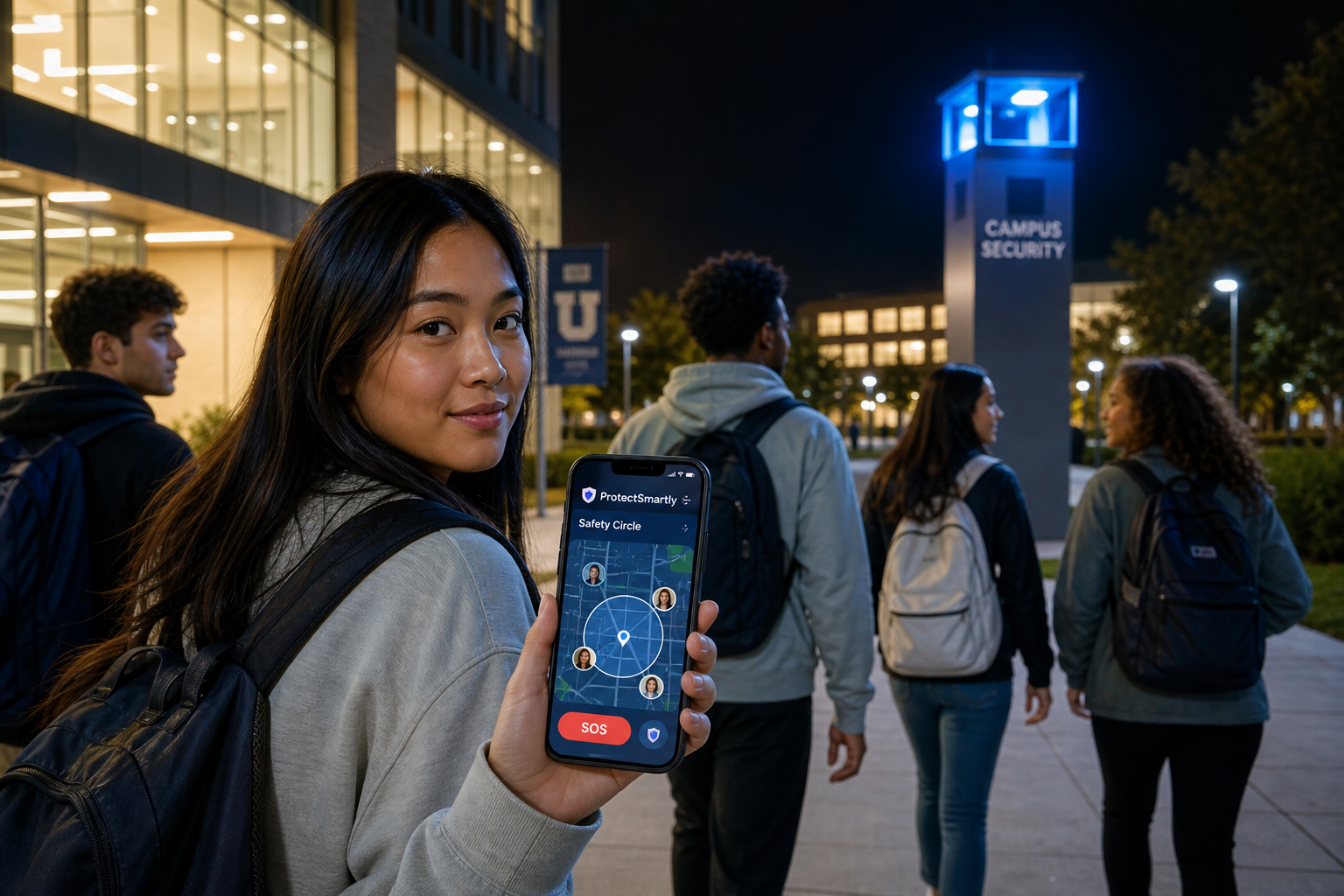
    Walking across campus late at night is a common occurrence for college students. In 2026, proactive safety means being aware of your surroundings and having a plan.

    • Stay in Well-Lit Areas: Stick to the “Blue Light” paths designated by campus security.
    • Limit Distractions: Avoid walking with both earbuds in or staring at your phone. Awareness is your first line of defense.
    • The Power of One-Tap SOS: Having a dedicated student safety app like ProtectSmartly means that if you feel unsafe, a single tap can notify your trusted Family Circle and share your real-time location.

    Smart Check-Ins vs. Constant Surveillance

    Safety should never come at the cost of privacy. For students, the goal is “Independence with a Safety Net.”

    • Define Boundaries: Parents and students should agree on when location sharing is active. For example, sharing location during a late-night walk home or a solo trip is a smart safety measure, not a privacy invasion.
    • Arrival Pings: Use automated check-ins to let family know you’ve arrived safely at your dorm or a friend’s house, reducing the need for “Are you there yet?” texts.

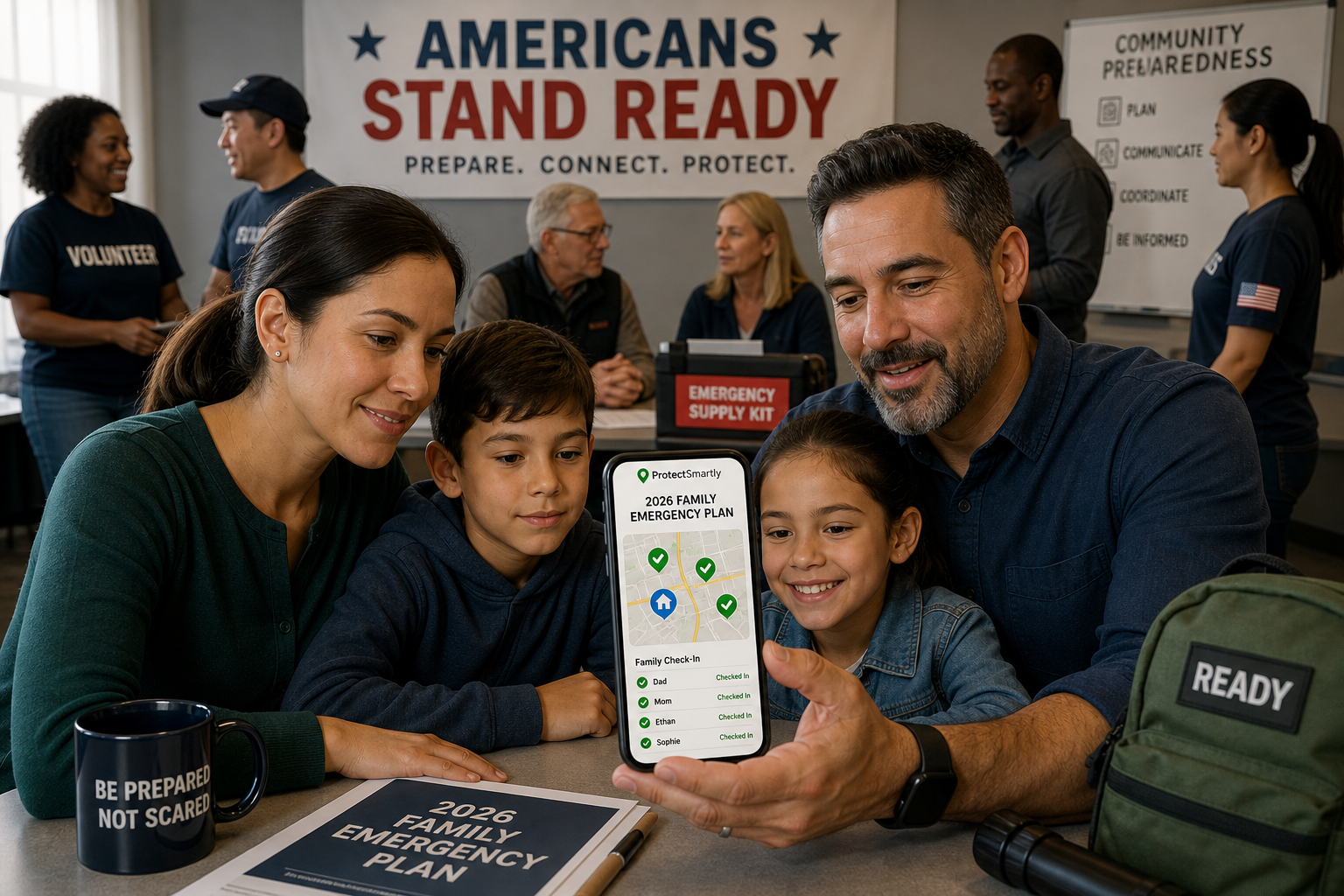
    Building a Modern Family Emergency Plan

    Safety is a team sport. Before the semester begins, every family should establish a clear communication and response plan.

    Setting Up Your Family Circle

    A “Family Circle” isn’t just a group chat; it’s a dedicated safety network. Using the ProtectSmartly app, you can create a private circle where members can see each other’s status and location when permitted.

    1. Identify Trusted Contacts: Include parents, siblings, and perhaps a close roommate.
    2. Test the SOS Button: Make sure everyone knows what happens when the SOS is triggered—who gets the alert and what information is shared.
    3. Update Emergency Info: Ensure the app has current medical information and local emergency numbers for the student’s specific campus.

    Emergency vs. Check-In

    Clearly define what constitutes a “Check-in” (I’m safe) versus an “Emergency” (I need help now). This prevents “alert fatigue” and ensures that when an emergency SOS is sent, it is treated with the necessary urgency.

    Leveraging Technology: How ProtectSmartly Fits Your Lifestyle

    ProtectSmartly was designed to handle the realities of modern life. Whether you’re a student navigating a new city or a parent staying connected from hundreds of miles away, the platform provides the tools you need.

    • One-Tap SOS: In a high-stress situation, you don’t have time to unlock your phone and dial 911. ProtectSmartly’s SOS alert app sends instant alerts with your exact location to your circle.
    • Location Sharing for Travelers: Perfect for students taking weekend trips or studying abroad.
    • Privacy-First Design: ProtectSmartly uses end-to-end encryption (coming soon) and strict privacy controls, ensuring your location data is only visible to the people you trust.

    2026 Back-to-School Safety Checklist

    For Students:

    • Download a reliable safety app like ProtectSmartly.
    • Save the campus security number in your contacts.
    • Walk the campus during the day to identify well-lit routes.
    • Establish a Family Code Word with your parents.
    • Keep your phone charged and carry a portable power bank.
    • Be cautious about sharing your real-time location on social media.

    For Parents:

    • Discuss the risk of AI-voice cloning scams with your student.
    • Set up a Family Circle on a safety platform.
    • Confirm your student’s dorm address and roommate’s contact info.
    • Review the “Family Code Word” protocol.
    • Respect your student’s independence while maintaining a safety link.

    FAQ: Common Student Safety Questions

    Q: Are campus safety apps actually effective? A: Yes, especially when they provide real-time location sharing and instant alerts. They reduce the time it takes for help to arrive and keep your trusted network informed during critical moments.

    Q: How do I handle a suspicious emergency call? A: Stay calm. Ask for your Family Code Word. If they can’t provide it, hang up and call your family member directly on their known number to verify their safety.

    Q: Is it safe to share my location all the time? A: ProtectSmartly recommends sharing your location when you are in potentially vulnerable situations (like walking alone at night) or traveling. You have full control over when and with whom you share.

    Conclusion: Empowerment Through Preparation

    Back-to-school season in 2026 is an opportunity for growth and adventure. By understanding modern threats like AI scams and utilizing proactive technology like ProtectSmartly, students can explore their independence with confidence, and parents can have the peace of mind they deserve.

    Safety isn’t about living in fear; it’s about being prepared. Take a few minutes this week to set up your family’s safety plan and download the tools that will keep you connected, no matter where the school year takes you.


    Learn more about how ProtectSmartly can help your family stay connected and prepared. Explore ProtectSmartly’s Student Safety Tracking App features. Download ProtectSmartly and take a proactive approach to personal safety and family safety.